RATINGS
4M
DOWNLOADS
4+
AGE

 Download Latest APK
Wait a moment, your result is coming soon!

Face is not found. Please try again with another clear full-face portrait of a better quality.

Take Quiz Now
Screenshots


About this app
-
 Name Battery Health and Analyzer
 -
 category Tools
 -
 Price 0
 -
 Safety 100% Safe
 -
 Developer Zoltán Pallagi
 -
 Version 9
 -
 Target Android Users
 -
 Update 2026.09.10
Related articles

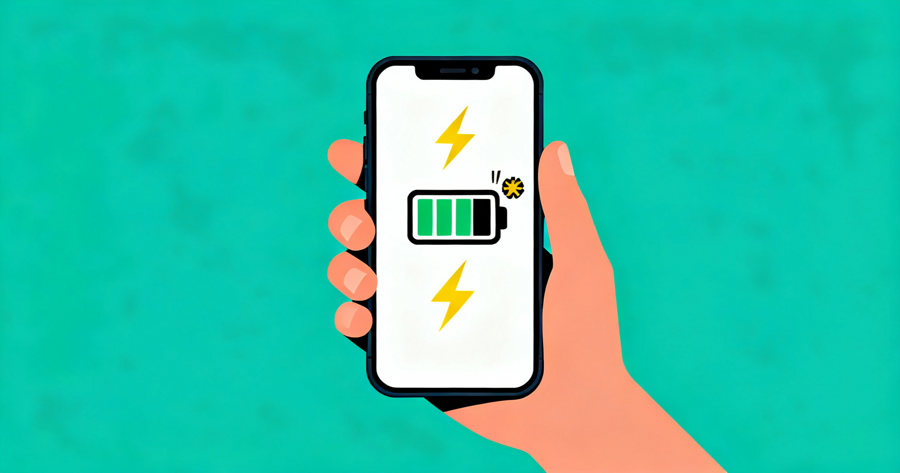
Core Features
-
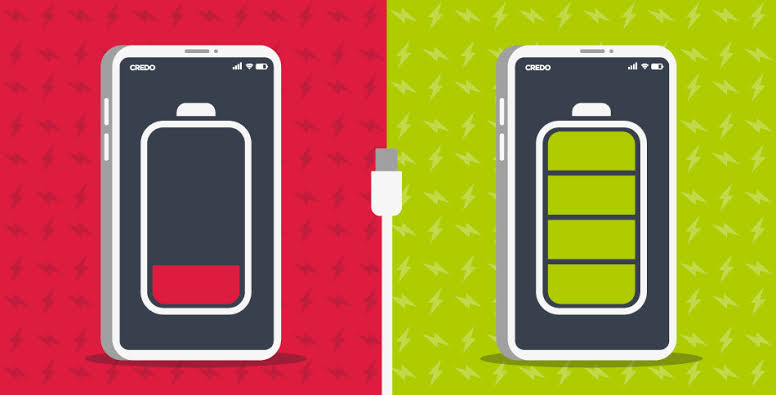
Comprehensive Health DiagnosticsProvides precise tracking of battery health by comparing design capacity against actual measured capacity (mAh), enabling users to monitor long-term wear and degradation through cycle counting.
-
Real-time Charging AnalyticsMeasures real-time charging current in milliamps (mA) and watts (W), allowing users to verify the performance efficiency of their chargers and cables during active charging sessions.
-
Smart Power Usage InsightsIdentifies high-drain applications by tracking Screen On Time (SOT) from midnight or the last charge, helping users pinpoint exactly which processes are depleting their battery.
-
Customizable Alert SystemSet personalized notifications for battery thresholds, including high and low charge alerts, ensuring users maintain optimal battery levels to prolong lifespan.
Pros
-
Data-Driven TransparencyRelies on direct measurements from the device’s internal battery controller, providing more accurate diagnostics than generic battery percentage indicators.
-
Modern Widget SupportOffers both mini and full-sized widgets that display critical data like voltage and temperature directly on the home screen for at-a-glance monitoring.
-
History TrackingMaintains detailed charging session history, allowing users to spot trends or issues in power consumption over extended periods.
Cons
-
Legacy Android LimitationsOn older Android versions, the app relies on smart estimations rather than direct controller data, which may result in slightly lower precision compared to modern devices.
-
Background Resource UsageContinuous background monitoring to calculate real-time usage and SOT statistics may contribute slightly to overall battery drain on low-end devices.
Price
-
Free Core MonitoringThe base version provides essential health diagnostics, charging speed analysis, and basic widget functionality at no cost.
-
Premium InsightsAccess to advanced statistical history and deeper analytical tools may be gated behind in-app purchases, offering power users more granular control.
Ratings
4.3
355 votes
-
5
-
4
-
3
-
2
-
1