RATINGS
18M
DOWNLOADS
4+
AGE

 Download Latest APK
Wait a moment, your result is coming soon!

Face is not found. Please try again with another clear full-face portrait of a better quality.

Take Quiz Now
Screenshots






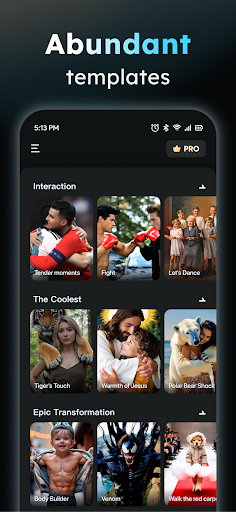
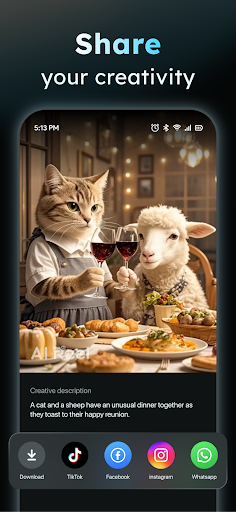
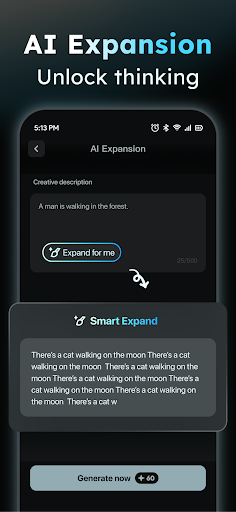

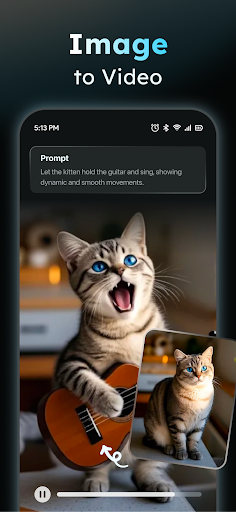


About this app
-
 Name AIreel :AI Video Generator
 -
 category Art & Design
 -
 Price 0
 -
 Safety 100% Safe
 -
 Developer FunCreate Limited
 -
 Version 7.0
 -
 Target Casual Creators
 -
 Update 2025.09.18
Core Features
-
AI Video GeneratorEffortlessly turn any text into engaging short videos. The AI Video Generator automatically adds scenes and music, enabling users to create viral content without any previous video-making experience.
-
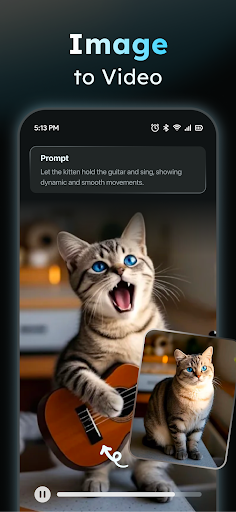
Photo to Video ConversionTransform still images (JPG/PNG) into dynamic videos. This feature supports various content types, including real people, anime, and pets, allowing for creativity and diversity in video design.
-
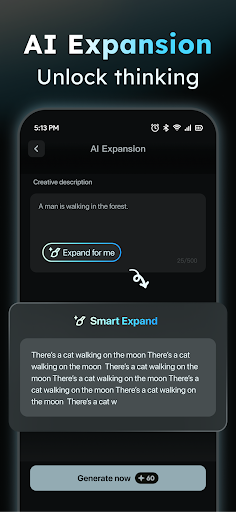
Prompt AssistantSimplify the creative process with the integrated Prompt Assistant, which helps users convert their ideas into professional prompts, significantly lowering the barrier for AI usage.
-
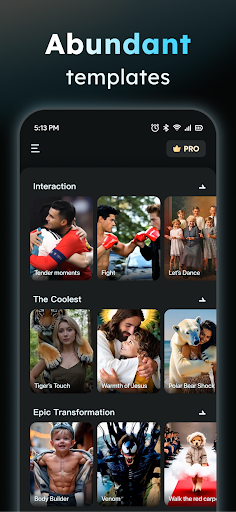
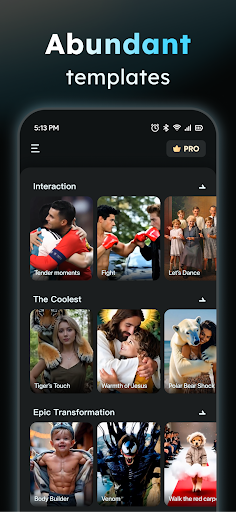
Social Template HubStay trendy with daily updated templates for popular platforms like TikTok, Reels, and Shorts, making it easier for users to create relevant and engaging social media content.
-
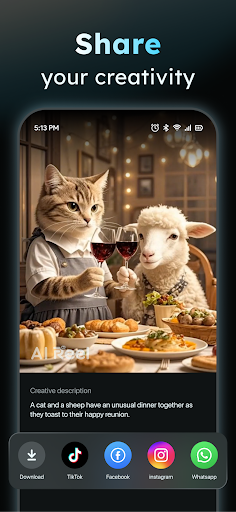
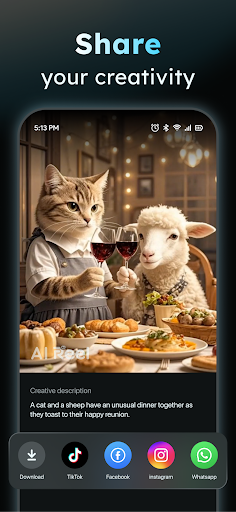
Export OptionsEasily export your videos in various aspect ratios (9:16, 16:9, 1:1) to suit all platforms, ensuring that your content looks great wherever it’s shared.
Pros
-
Speedy RenderingExperience video rendering up to 50% faster than typical tools, giving users a timely and efficient way to create and publish content.
-
Dual-Mode AI GeneratorUtilizes a dual-mode system combining text and image inputs, offering versatility similar to advanced tools like Veo 3 while enhancing user creativity.
-
Privacy FocusLocal processing ensures your data remains private, providing a secure environment for creating personal or sensitive content.
-
User ModerationThe app includes a human-moderation system that allows users to report inappropriate content, enhancing community safety.
Cons
-
Device CompatibilityLocal processing requires compatible devices, which might limit accessibility for users with older technology or systems.
-
Learning Curve for BeginnersNew users might still find the initial learning curve steep despite supportive features like the Prompt Assistant, especially if unfamiliar with video editing concepts.
-
Template Performance VariationWhile templates are frequently updated, their performance and suitability can vary based on specific marketing trends, which may not always align with all user needs.
Price
-
Free FeaturesThe app offers a substantial free version with core functionalities, allowing users to generate videos without any investment.
-
Subscription BenefitsPaid subscription offers enhanced features, including premium templates and faster rendering speeds, providing significant value for frequent creators.
Ratings
4.5
2.4K votes
-
5
-
4
-
3
-
2
-
1